
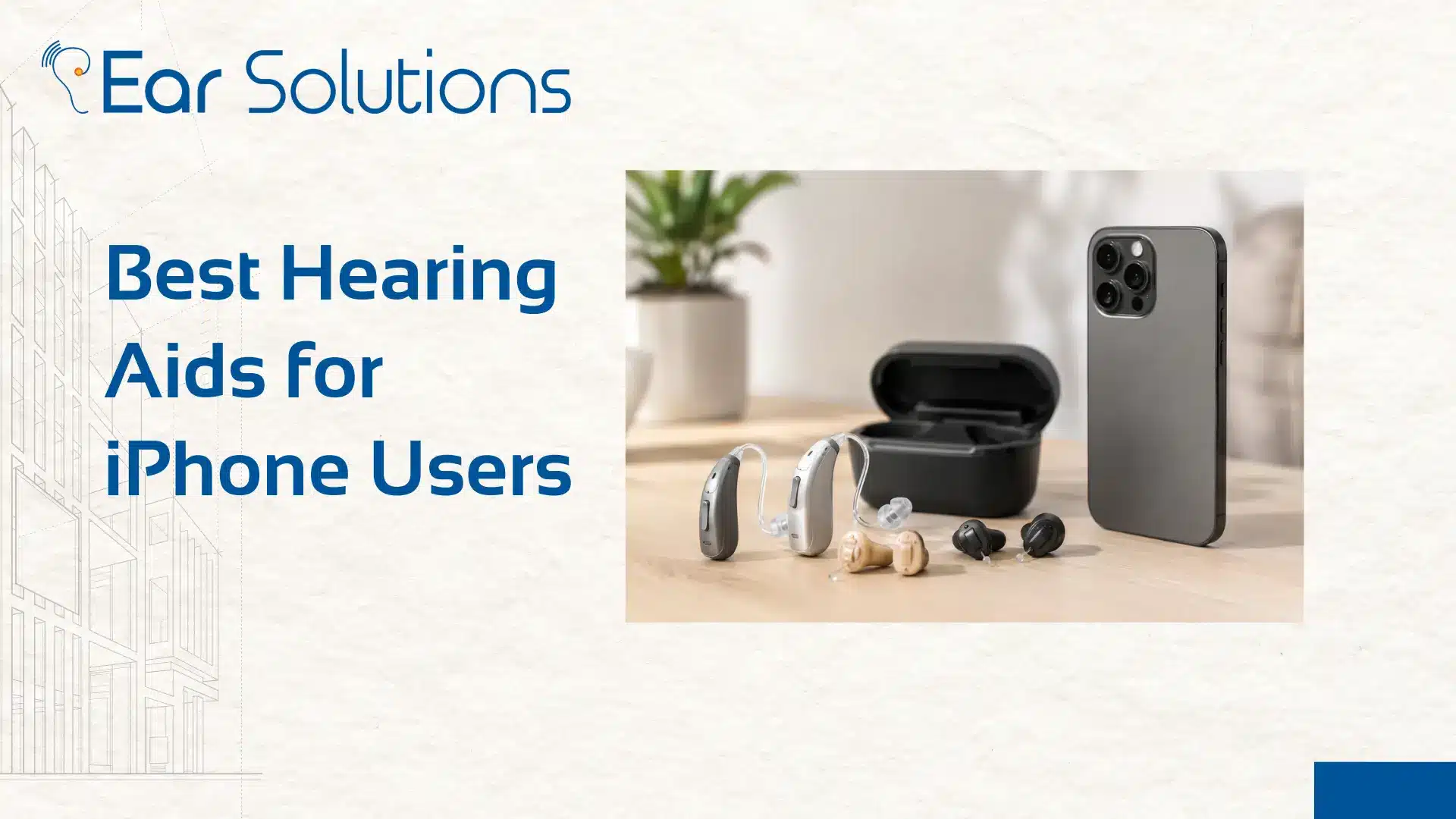
Best Hearing Aids for iPhone Users
If you live on your iPhone for calls, music, and everyday conversations, your hearing aid needs to keep up with that. Not every device connects smoothly, and some create more frustration than help. This blog explains the best Bluetooth hearing aids for iPhone users. It also shows you how to connect your hearing aids to an iPhone easily.
Summary
This guide explains why Bluetooth compatibility matters for iPhone users. It compares some of the best Bluetooth hearing aids for the iPhone. It also gives a simple step-by-step process to connect hearing aids to an iPhone. It also covers what to check before visiting a hearing aid shop.
Key Takeaways
- Not all hearing aids connect the same way with an iPhone, so compatibility matters.
- The best Bluetooth hearing aids for iPhone stream sound directly without extra devices.
- Knowing how to connect hearing aids to an iPhone properly makes daily use much smoother.
- A trusted hearing aid shop can guide you toward the right device for your phone habits.
- Visit Ear Solutions for expert advice on choosing an iPhone-friendly hearing aid.
Why Does Bluetooth Compatibility Matter for iPhone Users?
Most people today rely on their phone for far more than just calls. Music, podcasts, video calls with family, and navigation directions all come through the same tiny speaker or earphones. If your hearing aid does not connect well with your iPhone, you end up missing out on a huge part of daily convenience. A properly connected hearing aid lets sound stream directly into your ears, clearly and without any extra fuss.
What Should You Look for in the Best Bluetooth Hearing Aids for iPhone?
Not every hearing aid with Bluetooth works the same way. Some connect through Apple’s Made for iPhone program, which allows direct streaming without any extra accessory. Others need a separate streamer device that sits around your neck or clips to your clothing. When shopping for the best Bluetooth hearing aids for the iPhone, a few features are worth paying close attention to.
- Direct streaming support, so calls, music, and videos play straight into your hearing aids without a middleman device
- Two-way calling, which means the microphone in your hearing aids picks up your voice during calls, not just your iPhone’s mic
- Battery life that holds up well even with regular streaming use, since Bluetooth naturally drains power faster
- Simple app control, so you can adjust volume, switch programs, and manage settings right from your phone screen
- Reliable range, so you do not lose connection just by walking to another room
Which Hearing Aids Models Work Best With iPhones?
There’s no single best hearing aid for iPhone users. It really depends on how you use your phone day to day. A few names stand out for making iPhone pairing simple and reliable. A few solid options to consider:
Phonak Audéo Lumity: reliable all-round performer, great for active lifestyles.
Phonak Audéo Sphere Infinio: handles noisy environments well, built for longer streaming.
Widex Moment Sheer: known for natural sound and all-day comfort.
Signia Pure Charge&Go IX: rechargeable, sleek, and easy to wear daily.
All four stream directly to the iPhone with no extra device needed. The real differences come down to fit and sound preference, best judged by trying them in person.
Which Brands Work Best With iPhones?
- Several major hearing aid brands work well with Apple devices.
- Your experience may vary depending on the model and the software version.
- Some brands, like Signia, Phonak, Widex, and Oticon, offer smooth and direct streaming with little setup.
- This makes them a solid choice for people who want a simple plug-and-play experience.
- Others focus on equal control with hearing aid buttons and the iPhone app. This suits people who want options, not only phone control.
- A few brands stand out for longer battery life during heavy streaming. This matters if you spend hours on calls or listening to music each day.
- Since technology changes often, ask your audiologist which model offers the smoothest iPhone experience.
- Do this before you make a final decision.
How to Connect Hearing Aids to an iPhone
Let’s understand how to connect hearing aids with your iPhone in a few steps.
- Setting up your hearing aids with your iPhone is easier than most people expect. You usually do not need extra apps for basic pairing.
- Start by making sure your hearing aids are charged and turned on.
- Then open the battery doors briefly, if your model needs this for pairing mode.
- Go to your iPhone Settings. Tap Accessibility. Select Hearing Devices. Your iPhone will start searching for nearby compatible devices.
- Once your hearing aids appear on the screen, tap them.
- Then confirm the pairing request.
- This usually takes only a few seconds.
- Your iPhone may ask whether to use these devices for calls and media playback. Turning this on allows direct audio streaming going forward.
- After pairing, you can fine-tune settings in the same hearing device menu. You can choose which microphone to use during calls. You can also adjust Live Listen features.
If your brand has its own companion app, download it too. It can unlock extra controls like custom sound programs. It may also add location-based settings and remote adjustments from your audiologist.
What If the Connection Does Not Work Smoothly?
Sometimes connecting your iPhone with hearing aids does not go perfectly on the first try, and that is completely normal. If your hearing aids do not appear, try turning Bluetooth off and back on, or restart your iPhone before attempting again. Make sure your hearing aids have enough battery, since low power can sometimes interfere with pairing.
If problems continue, check with the hearing aid shop where you bought the device. They can quickly fix software or compatibility issues for your model.
Why Visit a Hearing Aid Shop Instead of Buying Blindly?
Choosing the best Bluetooth hearing aids for the iPhone is not just about picking whatever has the most Apple stickers on the box. A good hearing aid shop will test compatibility with your iPhone model.
They will guide you through setup in person. They will also make sure it fits your hearing needs before you leave. This hands-on support saves a lot of frustration compared to figuring things out alone at home.
Who Should Prioritize iPhone-Compatible Hearing Aids?
- People who rely heavily on their iPhone for calls throughout the day
- Anyone who enjoys streaming music or podcasts regularly
- Professionals who take frequent video calls and need clear two-way audio
- Elderly users who want a simple, direct connection without extra gadgets
- Anyone upgrading from an older hearing aid that lacked Bluetooth features
Conclusion
Finding the best Bluetooth hearing aids for the iPhone can improve how connected and independent you feel each day. Once you know how to connect hearing aids to an iPhone properly, streaming calls, music, and conversations becomes effortless.
Visit Ear Solutions, your trusted hearing aid shop, for expert guidance on choosing an iPhone-friendly device. Our team will help you find the right fit. We will guide you through the full setup process. You will feel confident using your new hearing aids.
FAQ
Can all hearing aids connect to an iPhone?
No, only devices with Made for iPhone or similar Bluetooth support can connect directly without extra accessories.
How do I know how to connect hearing aids to an iPhone?
Simply go to Settings, then Accessibility, then Hearing Devices, and follow the on-screen pairing steps.
Do Bluetooth hearing aids drain the battery faster?
Yes, streaming does use more power, so it helps to check battery life specifically for streaming use before buying.
What if my hearing aids will not pair with my iPhone?
Try restarting Bluetooth or your phone first, and if the issue continues, contact your hearing aid shop for support.
Where can I try the best Bluetooth hearing aids for iPhone?
Ear Solutions lets you test compatibility in store and offers full setup support before you take your device home.
-
Tags :
- affordable hearing aids
- best Bluetooth hearing aids for iPhone
- Best Hearing Aids for iPhone Users
- Best Hearing Aids for Tinnitus
- best hearing aids in the USA
- best hearing aids online
- best long-lasting hearing aids
- buy hearing aids online
- Buying Hearing Aids
- digital hearing aids
- hearing aid
- hearing aid brands
- hearing aid clinic near me
- hearing aid prices
- hearing aid shop
- hearing aids
- hearing aids for children
- hearing aids for hearing loss
- hearing aids near me
- hearing aids online
- hearing center in New York
- hearing loss
- How Long Do Hearing Aids From Different Brands Last
- How to Connect Hearing Aids to an iPhone
- Invisible Hearing Aids
- modern hearing aids
